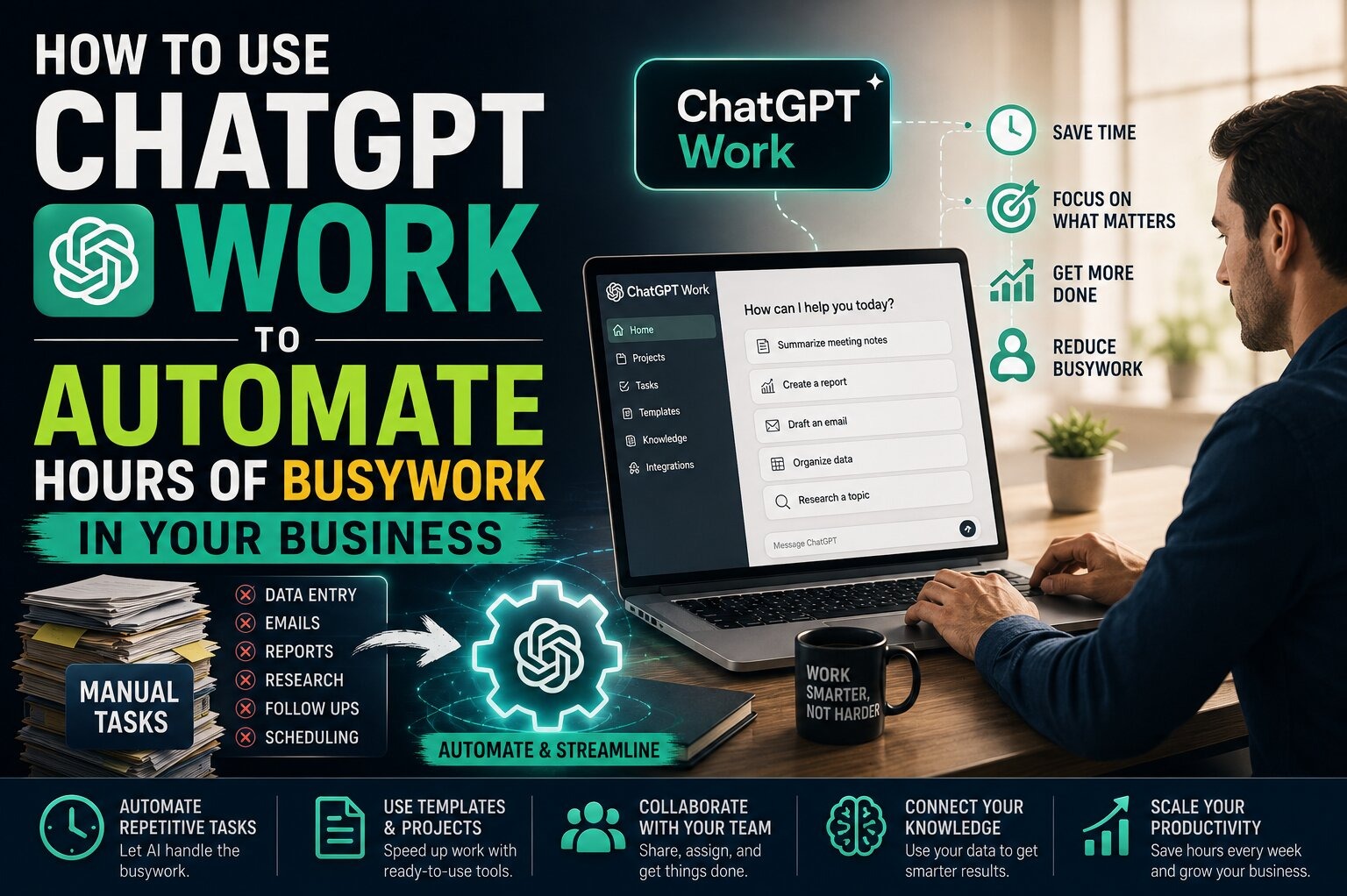
OpenAI opened ChatGPT Work to the public on July 9, 2026, rolling it out first to Pro, Enterprise, and Edu accounts before extending it to Plus and Business subscribers days later. The launch came bundled with GPT-5.6, released in three tiers named Sol, Terra, and Luna, and it changed what "asking ChatGPT for help" actually means. Instead of returning a paragraph of advice, ChatGPT Work now stays on a project for hours, works across your connected apps and files, and hands you back a finished spreadsheet, slide deck, report, or even a shareable website.
If you run a small business, freelance, or manage a team's admin work, this matters because the tool is no longer just a chat window. It's built on ChatGPT Enterprise's security and workspace-management foundation, and it plugs into Slack, Google Drive, Gmail, Microsoft Teams, SharePoint, Salesforce, GitHub, Zoom, Canva, Dropbox, Adobe Acrobat, and more. That means it can pull a client's invoice history from Drive, cross-reference it with a Slack thread, and produce a formatted expense report without you copying a single cell by hand. Here's what it actually does, which plan gets you access, and how to put it to work without wasting your monthly agent credits on tasks it isn't built for.
What Makes ChatGPT Work Different From Regular ChatGPT
Regular ChatGPT answers questions in a single turn. ChatGPT Work is one of three modes now built into the product — Chat for everyday conversation, Work for multi-step agentic projects, and Codex for software development — and Work is the one that behaves like a contractor rather than a search engine. You describe an outcome, and in Plan mode it asks clarifying questions, drafts a step-by-step plan, and waits for your approval before it starts executing.
Once you approve the plan, the agent works independently, using a built-in browser to pull live information from the web and your connected accounts. You can check in on its progress at any point, and it pauses to ask for your sign-off before taking consequential actions, like sending an email or posting to a shared channel. The deliverable at the end isn't a chat transcript — it's a real document, sheet, presentation, or hosted web page you can hand to a client or a coworker.
| Plan | ChatGPT Work Access | Best For | Agent Credit Behavior |
|---|---|---|---|
| Free / Go | Not included | Casual chat use only | N/A |
| Plus | Included at existing price | Solo founders, freelancers, side-hustle owners | Draws from Plus's monthly agent-usage credits |
| Pro | Included, first to receive access | Power users running frequent multi-hour projects | Higher credit allowance than Plus |
| Business | Included at existing price | Small teams needing shared workspace controls | Pooled team credits, admin-managed |
| Enterprise / Edu | Included, first to receive access | Larger orgs needing compliance and centralized admin | Enterprise-tier credit pools with usage reporting |
How to Turn On and Set Up ChatGPT Work
You don't install anything separate. If your account is on Plus, Pro, Business, or Enterprise, Work shows up as a mode selector alongside Chat and Codex inside the ChatGPT interface, including the desktop app, which now ships with a built-in browser for richer agentic sessions. Before you run your first real project, spend ten minutes connecting the accounts you actually use: Google Drive or SharePoint for files, Gmail or Outlook for correspondence, and Slack or Teams if your team communicates there. Admins on Business and Enterprise plans control which connectors are available and what data the agent can touch, so if you're on a team account and don't see a connector you need, that's a setting your admin controls, not a bug.
Start small. Pick a task with a clear, checkable output — a competitor pricing comparison, a first draft of a client proposal, a cleaned-up spreadsheet of receipts — before you hand it something ambiguous like "grow my newsletter." The agent performs best when the finish line is concrete.
Step-by-Step: Running Your First Work Project
- Switch to Work mode and describe the outcome you want, not the steps to get there. Say "build me a comparison spreadsheet of our top five vendors' pricing" rather than listing every action.
- Review the plan. ChatGPT Work drafts a sequence of steps before touching anything. Read it, and edit or reject steps that pull from the wrong file, contact the wrong person, or make assumptions you disagree with.
- Approve and let it run. The agent researches, opens connected files, and drafts the deliverable while you keep working on something else.
- Watch for approval prompts. It will stop and ask before sending anything external — an email, a Slack message, a shared file — so check in periodically rather than walking away entirely.
- Review the finished deliverable the way you'd review a junior employee's first draft: check the numbers, check the sources it cited, and check that connected-account data was interpreted correctly before you send it anywhere.
Best Use Cases for Small Businesses and Solopreneurs
The most useful early use cases aren't flashy — they're the multi-step admin work that normally eats an afternoon. Reconciling a month of expenses across Gmail receipts and a Drive spreadsheet. Turning a Zoom call transcript into a formatted client recap and follow-up email draft. Pulling public pricing pages for three competitors into a single comparison table for a pitch deck. Drafting a first-pass employee handbook section from a mix of existing policy documents scattered across SharePoint and Dropbox.
Because it connects to Salesforce and GitHub as well, sales teams and small dev shops have a second lane: building a first draft of a quarterly pipeline report, or assembling a changelog from merged pull requests before a product update goes out. None of these replace judgment calls, but all of them replace the tedious first 80% of the work.
Which Plan You Actually Need
If you're a solo operator running a side hustle or small client roster, Plus is the obvious starting point — it's the least expensive tier that includes Work, and the monthly agent-usage credits are usually enough for a handful of multi-hour projects. If you find yourself running out of credits before the month ends, or you're the kind of user who wants Work running on several projects at once, Pro's higher allowance justifies the jump. Teams should look at Business primarily for the shared credit pool and centralized connector controls, not because Work behaves differently there — the underlying agent is the same one Plus and Pro users get.
Common Mistakes to Avoid
- Handing it vague, open-ended goals. "Help me grow my business" produces a plan the agent has to guess at. Concrete deliverables produce concrete plans.
- Connecting every account at once without reviewing permissions. Start with the two or three connectors you actually need for a given project instead of granting broad access up front.
- Skipping the plan review step. The plan stage exists specifically so you can catch a bad assumption before the agent spends an hour executing on it.
- Treating the output as final. The deliverable is a strong first draft built from real data pulled from your accounts, not a finished product you should send without a human check.
- Running it on tasks with legal or compliance stakes without oversight. Contracts, tax filings, and anything with regulatory exposure still need a qualified human reviewing the final version.
Practical Tips for Getting Reliable Results
Give the agent context it wouldn't otherwise have, like a link to a style guide, a past example of the deliverable you want, or a specific data source to prioritize over a general web search. If a project involves your team's shared files, name the exact file or folder rather than describing it, since that cuts down on the agent picking the wrong version of a document. And if a multi-hour project is running and you realize you gave it a bad instruction, you can interrupt mid-run and redirect it — you don't have to let a flawed plan finish executing before fixing it.
What to Do Next
If you already pay for ChatGPT Plus, Pro, or Business, you already have access to Work — there's nothing extra to buy. Open the mode selector, connect the two or three tools you rely on most, and run one real, bounded task this week: a report you'd normally build by hand, a spreadsheet you'd normally reconcile line by line, or a first draft you'd normally write from scratch. Judge it on that one task before you rebuild a bigger workflow around it. The agent is capable enough to save real hours, but like any new hire, it earns bigger responsibilities gradually, not on day one.